

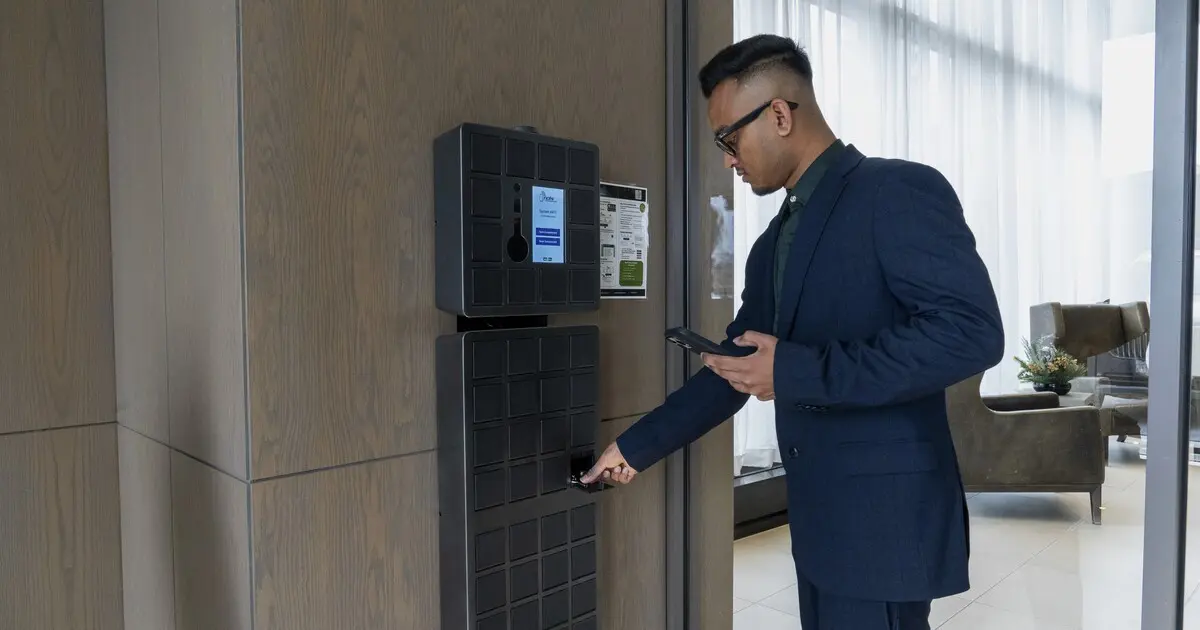
Most property managers don’t decide to run a building on clipboards, spreadsheets and sticky notes. It just happens. A key log gets started on paper because it’s quick. Packages pile up at the front desk because there’s nowhere else to put them. Maintenance requests come in by email, text and hallway conversation because residents use whatever is easiest.
Over time, those small workarounds add up to building operations that depend on people remembering things, and that’s where mistakes, delays and frustrated residents come from. Whether you manage a condo, a rental tower or a commercial property, here are five signs your operations are still too manual, and what to do about each one.
- You still track keys and fobs on paper
If someone asks “who has the key to unit 1204?” and the answer involves flipping through a binder, your key control is manual. Paper sign-out sheets are easy to skip, hard to read and impossible to audit when a key goes missing. Lost master keys and unreturned fobs are more than an inconvenience; they’re a security gap and often an expensive rekeying bill.
A modern key management system records every key handoff automatically: who took it, when, and when it came back. Paired with building access control, it lets you issue, deactivate and audit fobs without chasing paperwork. That’s the problem Noki’s key fob and key management solutions were built to solve.
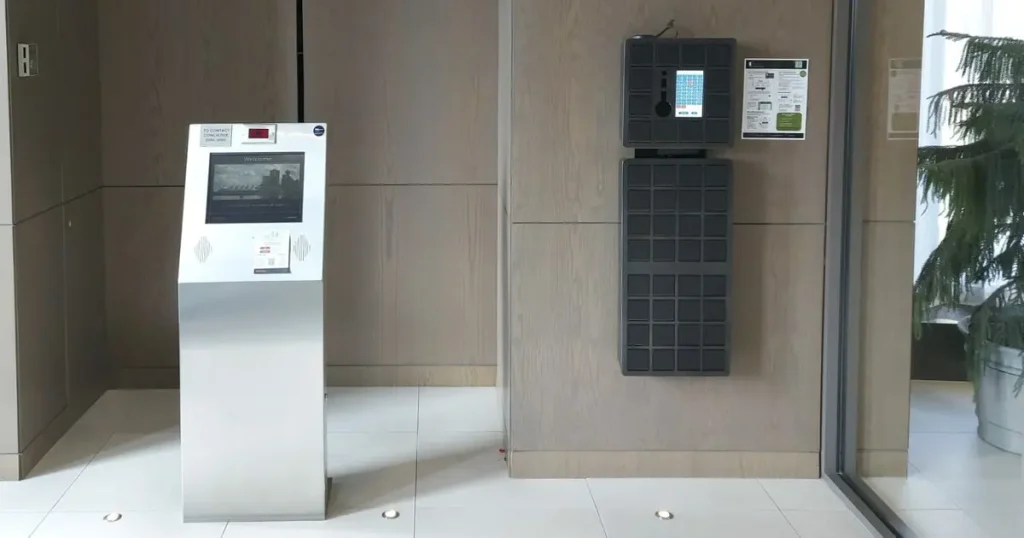
- Your front desk has become a package room
Online shopping turned many lobbies into overflow storage. If your concierge or superintendent spends part of every day logging parcels, sending “you have a delivery” emails and searching shelves when residents show up, package handling is eating time that should go to residents and the building itself.
Signs this has gone too far: packages stacked behind the desk or in a back office, residents complaining about missing deliveries, and staff unable to leave the desk during peak delivery hours. Smart parcel lockers let couriers drop off and residents pick up on their own schedule, with automatic notifications and a digital record of every delivery.
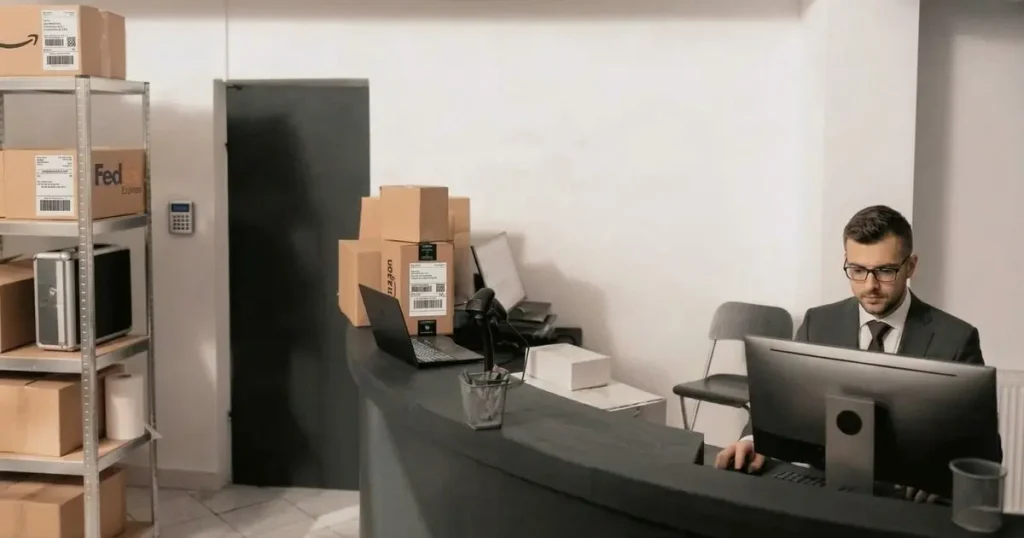
- Contractors and visitors depend on someone to let them in,
Cleaners, trades, movers and service technicians all need access, often on a recurring basis. If every visit means a staff member meeting them at the door, handing over a key and remembering to get it back, your access process is manual. A paper visitor log at the desk doesn’t help much either: names are illegible, sign-out times are missing, and after an incident, piecing together who was in the building is guesswork.
A fob access system fixes the core problem. Instead of lending out physical keys, you issue a fob or credential that works only where and when it should, and switch it off when the job is done. Every entry is logged automatically, so you always know who came in and when. Some buildings add a visitor management system for guest check-in, but for contractors and staff, controlled fob access does most of the work. - Everything stops when the front desk is closed.
Evenings, weekends and holidays expose manual operations quickly. A courier arrives after hours and the parcel goes back to the depot. A contractor shows up early for an emergency repair and nobody is there with the key. Industry discussions on property management operational efficiency note that manual front desk bottlenecks are among the leading causes of staff burnout in multi-residential buildings.. If your building only runs smoothly when staff are on site, your operations are too manual.
Self-serve systems keep the building working around the clock. Parcel lockers for apartments and condos accept deliveries 24/7 and let residents collect them whenever they get home. An electronic key cabinet replaces the after-hours key drop box: authorized people pick up and return keys on their own, and the system records every transaction. Backed by 24/7 monitoring, nothing depends on someone being behind the desk.
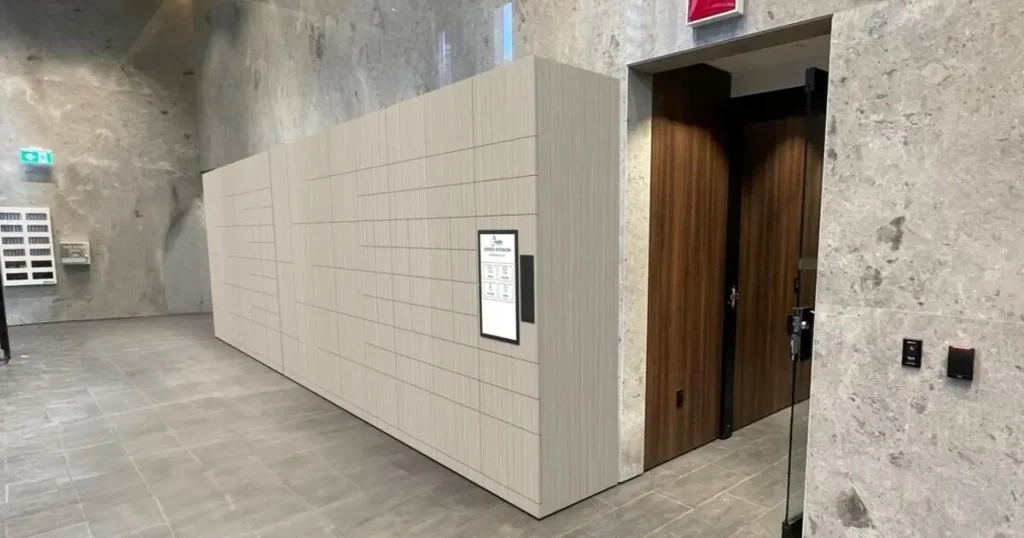
- Your key, fob and delivery records live in spreadsheets.
Keys in one spreadsheet, fob lists in another, deliveries in a logbook, contractor contacts in someone’s phone. If answering a simple question like “which fobs are still active for former tenants?” means checking several places, or if everything stalls when one staff member is on vacation, your operations depend on people rather than systems. It’s also a condo security risk: outdated fob lists and missing key records are exactly how access ends up in the wrong hands.
This is where building management software earns its keep. When your keys, fobs and parcel lockers each keep their own automatic digital record, you get an accurate audit trail without anyone typing it up, cleaner reporting for boards and owners, and real operational efficiency instead of heroic effort from your staff.
How Connected Building Systems Make Daily Operations Easier
Introducing a new system can solve one problem, but it shouldn’t create more administrative work elsewhere.
For example, a building might use intelligent key control cabinet to track key handovers and smart parcel lockers system to manage deliveries. Each system can reduce manual work in its own area. The next consideration is how staff access the information they need and whether the systems can work with the building’s existing software.
Integration options vary by product and setup, so it’s worth asking providers what can be connected and what information can be shared. Centralized records, appropriate access permissions, and clear activity histories can help staff manage their responsibilities without constantly switching between tools or maintaining duplicate records.
The aim is straightforward: fewer manual steps, easier access to information, and processes that fit the way the building already operates.
How to start automating building operations
You don’t need to replace everything at once. Smart building technology works best when it’s added in steps:
- Focus on your biggest drain on staff time. For most residential buildings that means managing packages or keys. Fixing one gives staff hours back every week.
- Pick tools that keep a digital record. Every handoff, delivery and access event should be logged automatically, not written down.
- Make sure systems can grow with you. Look for solutions that integrate with your building access control and property management software rather than adding another silo.
- Choose a partner who supports you locally. Hardware in a lobby needs installation, monitoring and fast service when something goes wrong.
Frequently asked questions
What building operations tasks take the most manual time?
Property managers spend the most time on package handling, key and fob control, and letting contractors and visitors into the building. These are repetitive, high-volume tasks that are easy to automate.
What’s the difference between building management software and property management software?
Property management software usually focuses on leasing, accounting and resident communication. Building management software covers the physical side of the building: access control, keys, deliveries and equipment. Many buildings use both.
Can older buildings be automated?
Yes. Most smart building technology, including key management systems and smart parcel lockers, can be added to an existing building. Parcel lockers can also be retrofitted rather than replaced.
Ready to take the manual work out of your building?
If any of these five signs sounded familiar, your team is spending time on tasks a system could handle. Noki helps property managers and condo boards across Canada automate the day-to-day with smart parcel lockers and key management systems backed by local support and 24/7 monitoring.
Not sure where to begin? Talk to the Noki team today about tailoring a solution for your building.